Hoops Helm home
About
Get Started
Scouting Reports

Scouting reports your team will actually read.

Opponent tendencies, key players and keys to win in one clean report, connected to your stats, playbook and practice plans.

14 days free. No credit card. Players and parents always free.

Scouting reports

Everything about the opponent, in one place

Write the report once and it lives with the opponent all season. Strengths, weaknesses, keys to win and tendencies are laid out the way coaches actually talk about a team.

  • Strengths, weaknesses and keys to win
  • Offense, defense and rebounding tendencies
  • Key players with how to guard them
  • Opponent team stats and past results
  • Review their plays and your game plan, animated
  • Start a report from your schedule: the opponent and date fill in
  • Its own Scouting tab on the game in your schedule
  • Link the defense you'll play against them

Watch: build a scouting report in under a minute

An opponent hub for every team you play

Each opponent gets a home with their logo, colors, roster, past games, film notes and every report you have written. Next season it is still there.

  • Opponent hub with logo and colors
  • Film notes and Hudl clip links
  • Past matchups pulled from your stats
  • After the game, compare what you scouted with what they scored
  • Print personnel sheets for players
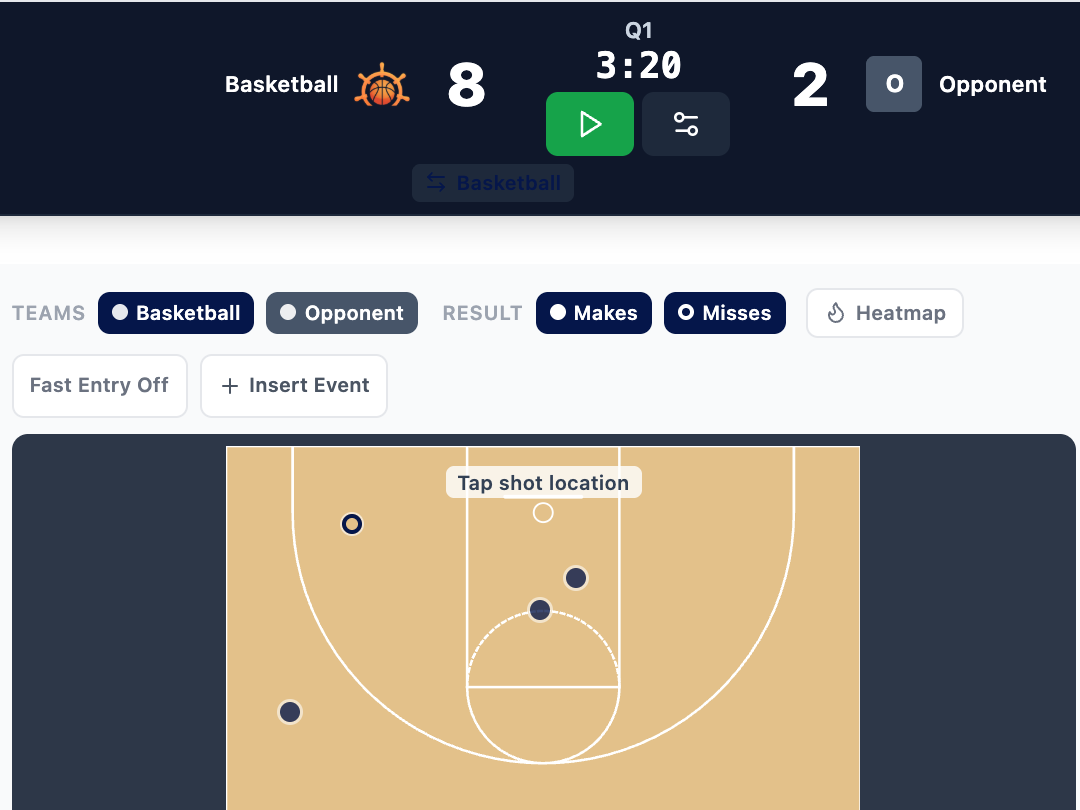
Hoops Helm game day scoreboard and shot chart
Head Coach plan

AI that knows your team and theirs

On the Head Coach plan, AI reads your stats, your playbook and your scouting notes and suggests a game plan, practice focus and matchups.

  • AI scouting suggestions
  • AI game plans
  • Import their roster and stats from a screenshot, PDF or pasted text, and review it before saving
  • Feeds straight into practice plans
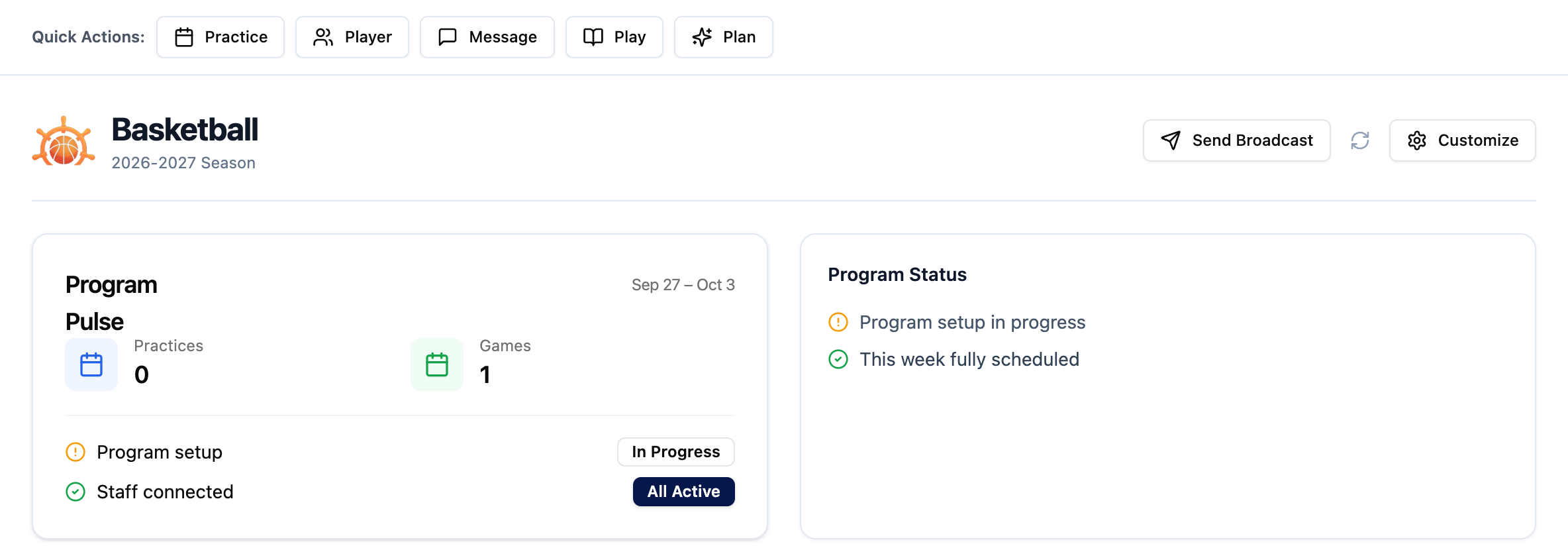
Hoops Helm program dashboard
Which plan? Scouting reports, the opponent hub and film notes are in Coach and Head Coach. AI game plans, AI scouting suggestions and opponent roster import are in Head Coach. Compare plans →

New: share the scout with your players

The report your staff builds becomes something players actually look at.

The opponent at a glance

When you share a scouting report, players see the opponent's record and recent scores next to the keys to win.

Their roster, if you choose

Tick a box to share the opponent's roster too, so players know who they're guarding before warm-ups.

Scouting questions

Something else? Email contact@hoopshelm.com.

What goes into a scouting report?

Opponent strengths and weaknesses, keys to win, offensive, defensive and rebounding tendencies, key players with how to guard them, and team stats. You can also link Hudl clips and film notes. Tap any play on the report, theirs or yours, to review it phase by phase with the animation.

Can I import the other team's roster?

On the Head Coach plan, upload a screenshot or PDF of the opponent's roster or stats, or paste the text. AI reads names, numbers, positions and per-game stats, and you review everything before it is added.

Does it use my own stats?

Yes. The matchup view compares your team's numbers from Live Stats with the opponent's, and past games against that opponent show up automatically.

Can I print it for players?

Yes. Print a report or a personnel sheet, or save it as a PDF to hand out before the game. PDFs save and share from phones and tablets too. Link the report to the game and staff with scouting access find it in that game's Scouting tab.

Is there a free template?

Yes. Download our free scouting report template on the resources page.

Scout your next opponent

Start a free trial and write your first report in minutes.