Hoops Helm home
About
Get Started
Practice Plans

Better practices in half the time.

A basketball practice planner with AI built in. Get a full plan with drills, times and coaching points in under a minute, then make it yours.

14 days free. No credit card. Players and parents always free.

AI practice plans

Tell it what you need. Get a plan.

Pick a practice type, level, length and focus. Hoops Helm builds a timed plan with warmups, skill work, team segments and a scrimmage, with coaching points for every drill.

  • AI practice plans from your focus
  • Timed segments that add up to your practice length
  • Coaching points and progressions for each drill
  • Edit, reorder and save in seconds
  • Match my coaching style: Quick Plan builds from the drills and flow you already use (Head Coach)
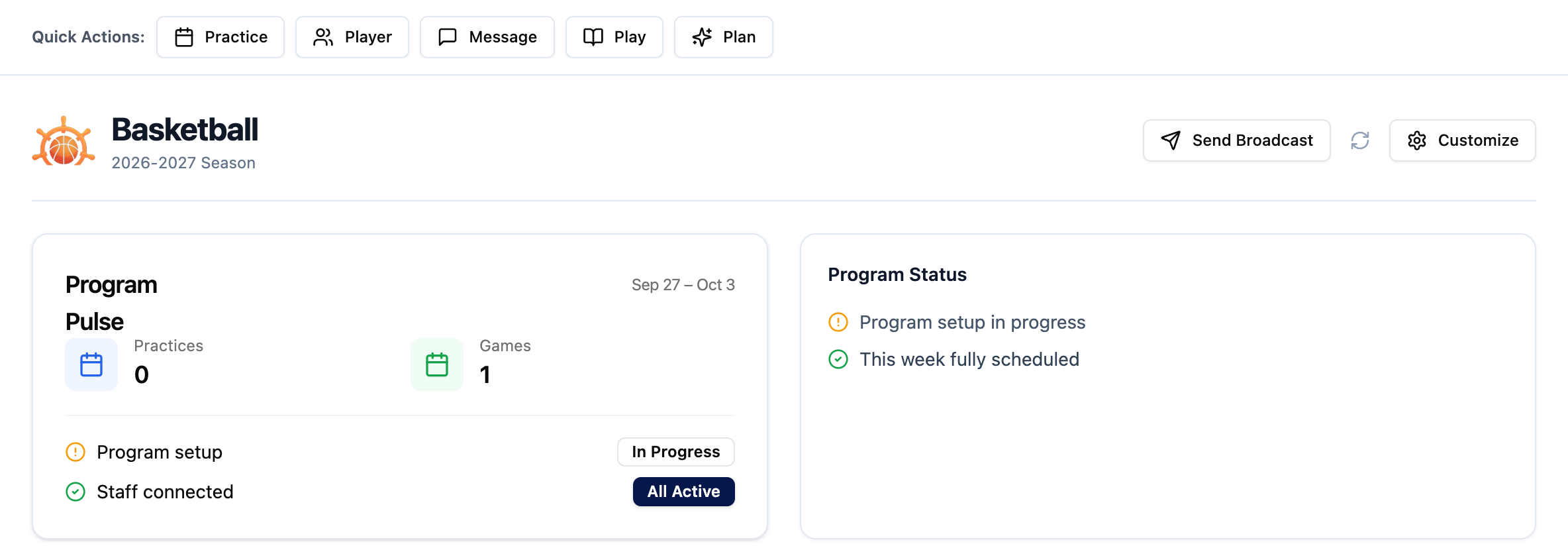
Hoops Helm program dashboard

Your drills, your system

Every program builds its own drill library. Add your favorites, or describe a drill and the AI drill builder writes it up for you. Attach plays from your playbook so practice and game day line up.

  • Program drill library
  • AI drill builder
  • Attach plays to any segment
  • Print or save as PDF for the gym
Basketball court diagram in Hoops Helm

Plan the week, not just the day

Drag plans onto your calendar, see what you installed last week, and connect practice to what your stats and scouting reports say you need.

  • Weekly practice calendar
  • Practice templates you can reuse
  • Full AI practice plans and Quick Plan from your ideas (Head Coach)
  • Scouting and stats feed your focus, and AI plans target your weakest points per play
  • Linked plans show on the practice in your schedule, with clock times for every drill
  • FT Counter at practice, with each player's free throws on Player Development
  • Review attached plays phase by phase, animated
  • PDFs that save on phones, tablets and computers
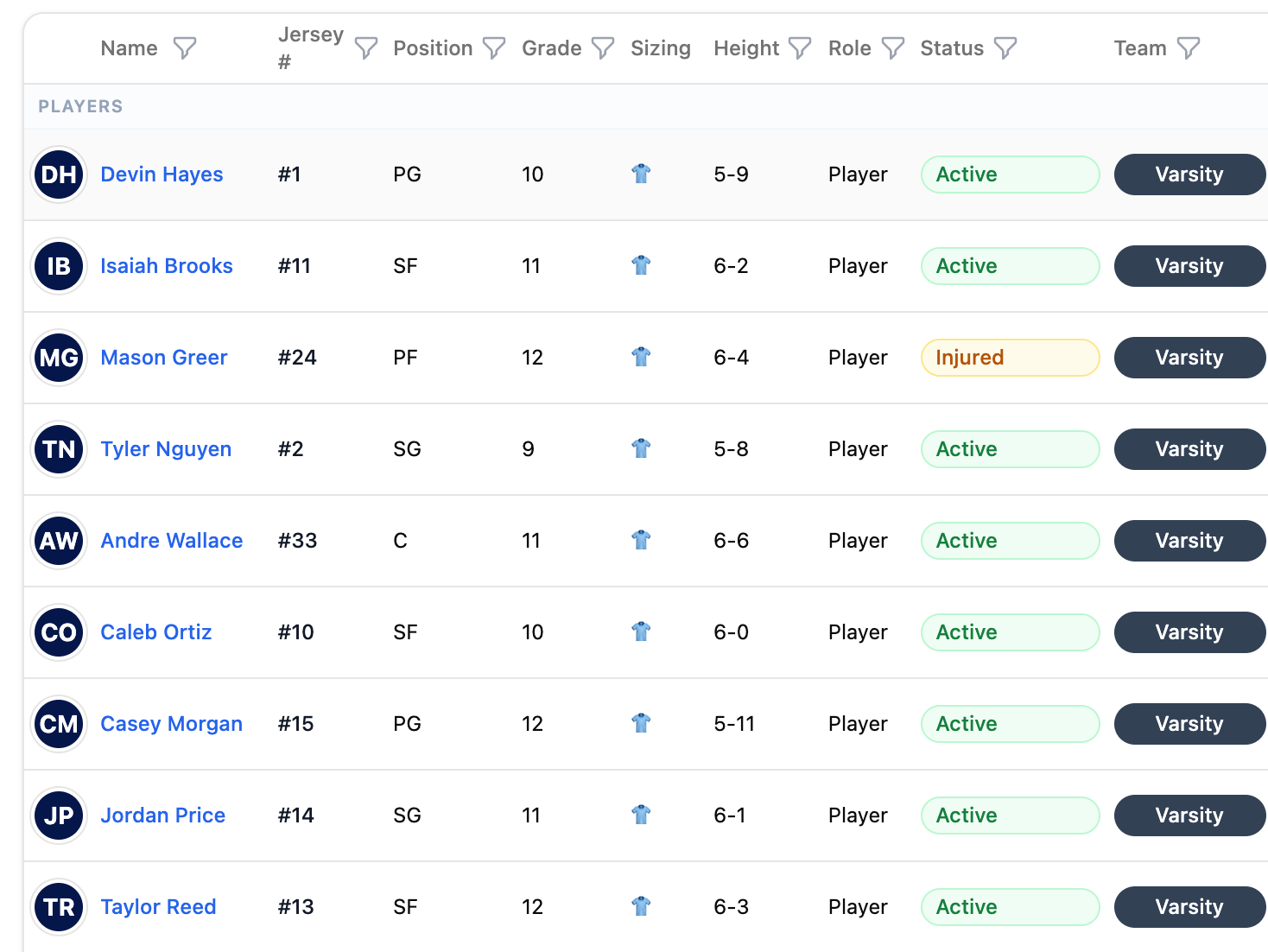
Team roster view in Hoops Helm
Free download

Practice plan template + 10-drill pack

A printable plan template, a sample 90-minute varsity practice and 10 drills with coaching points.

Get the free pack
Which plan? The practice planner, drill library, AI drill builder, AI practice plans and Quick Plan import (photos, PDFs, Word) are in Coach and Head Coach. Full AI practice plans and Quick Plan (build and rework practices from your ideas) are in Head Coach. Compare plans →

Workouts for the off-season and beyond

Build skill and lifting programs by age, goal and season. Players log their work from home, and you see who is putting it in.

Skill and lifting

Skill work with makes and attempts. Lifting with sets, reps and weight, plus a drawing and cues for every lift.

Program builder

Pick age group, experience, goal, season and days a week, and get a full program you can assign in one tap.

Testing week

Vertical, sprint and agility tests for the whole roster in one pass, with each player's trend.

Progress and recovery

Progress charts, a coach report on who is behind, and stretching routines players can follow after games.

Workouts are in the Coach and Head Coach plans.

New: run it live, save it from anywhere

Plan it, run it on the floor and save ideas you find online, all in the same app.

Run practice live

A full-screen timer for every drill, with a horn, and the screen stays awake. Running long or short? It suggests what to trim or add. Assistants follow along on their phones, and it keeps working with no signal.

Coach's Notebook

Save clips from Instagram, TikTok, X, YouTube or Hudl with your phone's share button. Add notes, folders and tags, then turn a clip into a drill, a plan block or a play to draw.

Drills for every age

Youth and game-situation drill packs with step-by-step court diagrams, an age filter and four-week drill paths you can drop into any plan.

After-practice wrap-up

Notes you jot while practice runs feed a quick wrap-up, so planning the next one starts from what actually happened.

Practice planning questions

Something else? Email contact@hoopshelm.com.

How do AI practice plans work?

Choose the practice type, level, length and focus, like transition defense or ball screens, and Hoops Helm drafts a full plan with drills, times and coaching points. Edit anything, then save it to your calendar.

Can I use my own drills?

Yes. Add your own drills, or describe one and the AI drill builder writes it up with setup, coaching points and progressions. Everything goes into your program's drill library.

Can I attach plays to a practice?

Yes. Attach plays from your playbook to any segment so your staff knows exactly what you are installing that day. Tap a play in the plan to review every phase with its notes and animation, without leaving the plan. The PDF includes every phase too.

Can assistants see the plan?

Yes. Staff with practice-plan access see it, and a linked plan gets its own Practice plan tab on that practice in your schedule. Print it or save it as a PDF from a phone, tablet or computer for the gym.

Is there a free template?

Yes. Download our free practice plan template and 10-drill pack on the resources page.

Plan tomorrow's practice tonight

Start a free trial and get your first AI practice plan in under a minute.